
Description
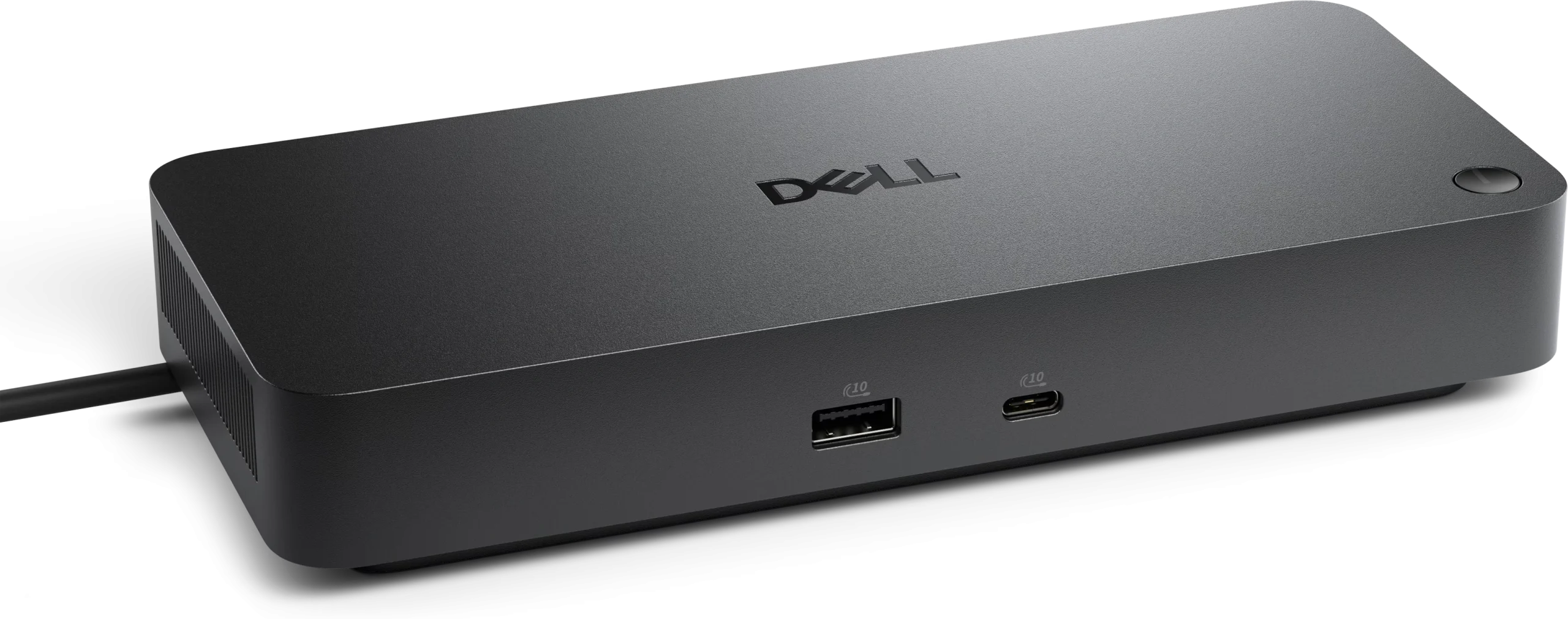
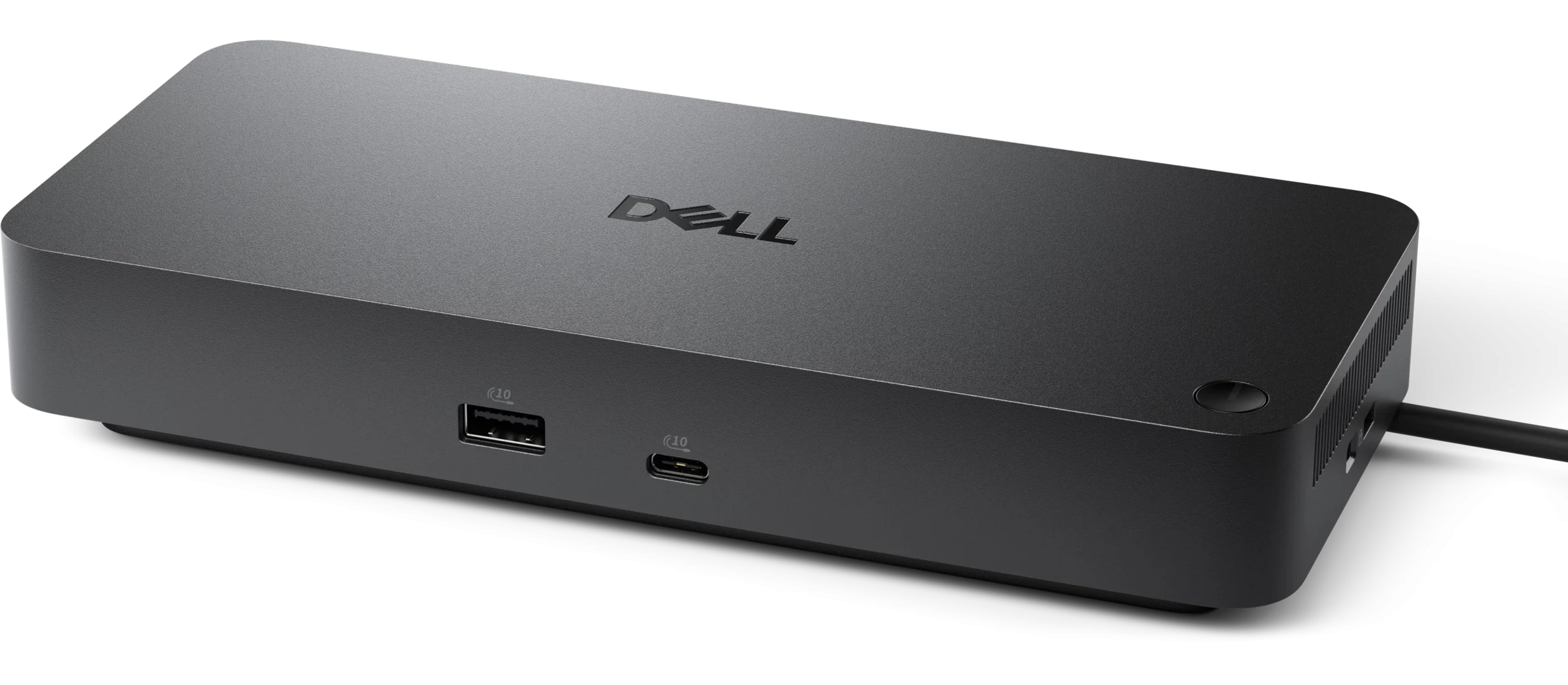
The Dell Pro Thunderbolt 5 Dock WD25TB5 is a cutting-edge docking solution designed to enhance productivity and connectivity for professionals and tech enthusiasts alike. The Dell Pro Thunderbolt 5 Dock WD25TB5 leverages the power of Thunderbolt 5 technology, which allows for lightning-fast data transfer speeds and the ability to connect multiple devices simultaneously. With a sleek and compact design, it seamlessly integrates into any workspace, providing a clutter-free environment while offering a wide array of ports to accommodate various peripherals. Users can expect to connect their laptops or desktops effortlessly, enabling them to expand their workstation capabilities significantly.
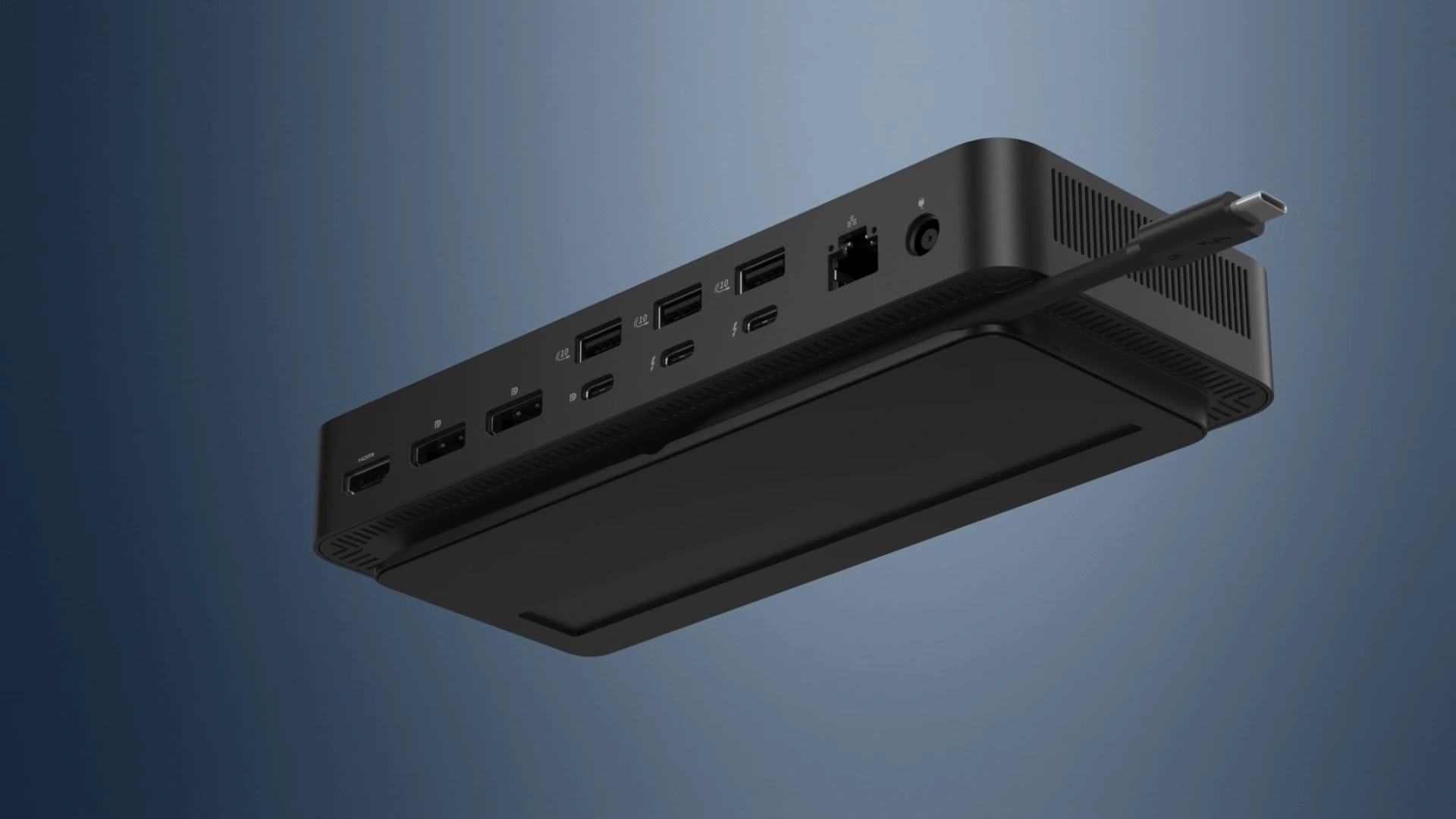
Equipped with multiple USB ports, HDMI, DisplayPort, and Ethernet connections, the Dell Pro Thunderbolt 5 Dock WD25TB5 caters to a diverse range of devices, from external monitors to storage drives and network connections. This versatility ensures that users can maintain a streamlined workflow without the hassle of constantly plugging and unplugging devices. Additionally, the Docking Stations supports dual 4K displays, allowing for an immersive visual experience that is particularly beneficial for graphic designers, video editors, and anyone who requires high-resolution output. The inclusion of power delivery capabilities also means that users can charge their laptops while connected, further reducing the need for multiple power adapters.
Dell Docks Features
Power AI productivity
- Maximize AI PC productivity with the industry’s most powerful Thunderbolt 5 dock and seamlessly run Gen AI tools across up to four 4K 120Hz displays.
- Featuring Extended Power Range, deliver up to 300W over a single USB-C cable to power even the highest-performance AI PCs, while modern ports ensure broad connectivity.
Accelerate manageability
Delivering ultimate IT efficiency across the modern workspace.
Improved manageability : Manage your dock through the Dell Device Management Console, using the Dell Display and Peripheral Manager along with the Dell Device Management Agent installed on your PC.
Simplify firmware updates :
- Reduce IT complexity by deploying a single firmware file across workspaces. Minimize end-user disruption with silent firmware updates, executed upon dock disconnection.
- Unlock out-of-band management on select Intel vPro PCs with Intel Active Management Technology (Intel AMT) over Thunderbolt via the connected dock.
Work with confidence : Enhance your docking experience across brands with universally compatible features including MAC Address Pass-Through and Power Button Sync .
Connect your way : Configure your workspace to your liking with an ambidextrous USB-C cable that can be routed left or right.
Improved sustainability
- The new generation of Dell Pro Docks reflect a commitment to sustainable design innovation to reduce environmental impact.
- The WD25TB5 is built with sustainable materials and packaged with at least 65% post-recycled content (PCR) plastic and 100% recycled or renewable packaging .
Dell Pro Thunderbolt 5 Dock WD25TB5 Specs
- Connectivity Technology : Wired
- Cable Length : 2.72 ft
- Number of Displays Supported : 4
- Maximum Data Transfer Rate : 1.25 GB/s
- Ethernet Technology : 2.5 Gigabit Ethernet
- Host Interface : Thunderbolt 5
- Total Number of USB Ports : 6
- USB Type-A : Yes
- Number of USB 3.2 Gen 2 Type-A Ports : 4
- Number of USB 3.2 Gen 2 Type-C Ports : 1
- Number of USB Type-A Ports : 4
- Dell Pro Thunderbolt 5 Dock WD25TB5 USB Type-C : Yes
- USB Type-C Detail : 1 x USB-C 3.2 Gen 2 (10 Gbps), (15W), 1 x USB-C Multi-function DisplayPort (7.5W)
- Number of USB Type-C Ports : 2
- Network (RJ-45) : Yes
- DisplayPort : Yes
- Number of DisplayPorts : 2
- DisplayPort Version : 2.1
- HDMI : Yes
- Number of HDMI Ports : 1
- HDMI Version : 2.1
- Thunderbolt : Yes
- Thunderbolt Ports Quantity : 2
- Dell Pro Thunderbolt 5 Dock WD25TB5 Maximum Power Supply Wattage : 330 W
- Power Source Type : Power Adapter
- Height : 1.39″
- Width : 8.07″
- Depth : 3.54″
- Weight (Approximate) : 1.37 lb
Request for Quotation Now!
Device Supported
- Notebook
- Desktop PC
Dell Pro Thunderbolt 5 Dock WD25TB5 Features
- Power Delivery Pass-through
- LED Power Indicator
- Indicator Light
Management Features
- Intel AMT over Thunderbolt with select Intel vPro PCs
- MAC Address Pass-through
- PXE Boot
- Dock Power Button Sync
- Wake-on-LAN
- WLAN to LAN Switch
- Kernel Direct Memory Access (DMA) Protection
- Dell Command Update (DCU)
- Port Disablement
- Host PC based firmware update
- Firmware update on disconnect
Dell Pro Thunderbolt 5 Dock WD25TB5 Screen Mode Supported
- QHD 60Hz
- WQHD 60Hz
- 4K 60Hz
- 5K 60Hz
- 6K 60Hz
- 8K 60Hz
- 4K 120Hz
Supported Resolutions
- 3840 x 2160
- 5120 x 2160
- 2560 x 1440
- 3440 x 1440
- 7680 x 4320
- 6144 x 3456
Security Slot Type
- Kensington Security Slot
- Noble Wedge Security Slot
Dell Pro Thunderbolt 5 Dock WD25TB5 Power Delivery Details
- 4 x USB-A 3.2 Gen 2 (4.5W each)
- 1 x USB-C 3.2 Gen 2 (15W)
- 1 x USB-C Multi-function DisplayPort (7.5W)
- 2 x Thunderbolt 5 (15W each)
- All deliver power with or without PC
Power Delivery
- Up to 300W (Dell Systems)
- Up to 240W (non-Dell Systems)
CONTACT US NOW!
Video Resolution Details
- QHD – 60 Hz (Quad Display)
- WQHD – 60 Hz (Triple Display)
- 4K – 60 Hz (Dual Display)
- 5K – 60 Hz (Single Display)
- 4K – 60 Hz (Quad Display)
- 4K – 60 Hz (Triple Display)
- 6K – 60 Hz (Dual Display)
- 8K – 60 Hz (Single Display)
- 4K – 120 Hz (Quad Display)
- 4K – 120 Hz (Triple Display)
Dell Pro Thunderbolt 5 Dock WD25TB5 Interfaces
- 2 x DP2.1
- 1 x HDMI 2.1
- 1 x USB-C 3.2 Gen 2 Multi-function DisplayPort 2.1
- 2 x Thunderbolt 5
Host Software (Windows):
- Dell Firmware Utility
- Dell Display and Peripheral Manager
- Dell Command Update
Cloud Management (via host PC software)
Dell Device Management Console enables:
- Automatic firmware updates
- Maintain specific firmware version or downgrade
- Peripheral inventory and status
Operating System Supported
- Windows 10
- Windows 11
- Ubuntu 24.04
- Red Hat Enterprise Linux 9.7
- ChromeOS 141
- macOS
For more Dell Docking Station products
- Dell Performance Dock WD19DCS
- Dell Pro Thunderbolt 4 Dock SD25TB4
- Dell Pro Dock Station WD25
- Dell Pro Smart Dock SD25
- Dell Business Thunderbolt 3 Dock 3GMVT TB16
- Dell Dock – WD19S 130W
- Dell Docking Station WD19S 180W
- Dell Docking Station USB 3 D3100
- Dell Dual Charge HD22Q Dock
- Dell Performance Dock WD19DC Docking Station
- Dell Thunderbolt 4 Docking Station WD22TB4
- Dell Thunderbolt Dock WD19TBS
- Dell Universal Dock UD22
- Dell Universal Dock D6000/D6000S
- Dell WD15 Monitor Dock 4K
- Dell Pro Dock WD25Z
- Dell Pro Thunderbolt 4 Dock WD25TB4