




Description
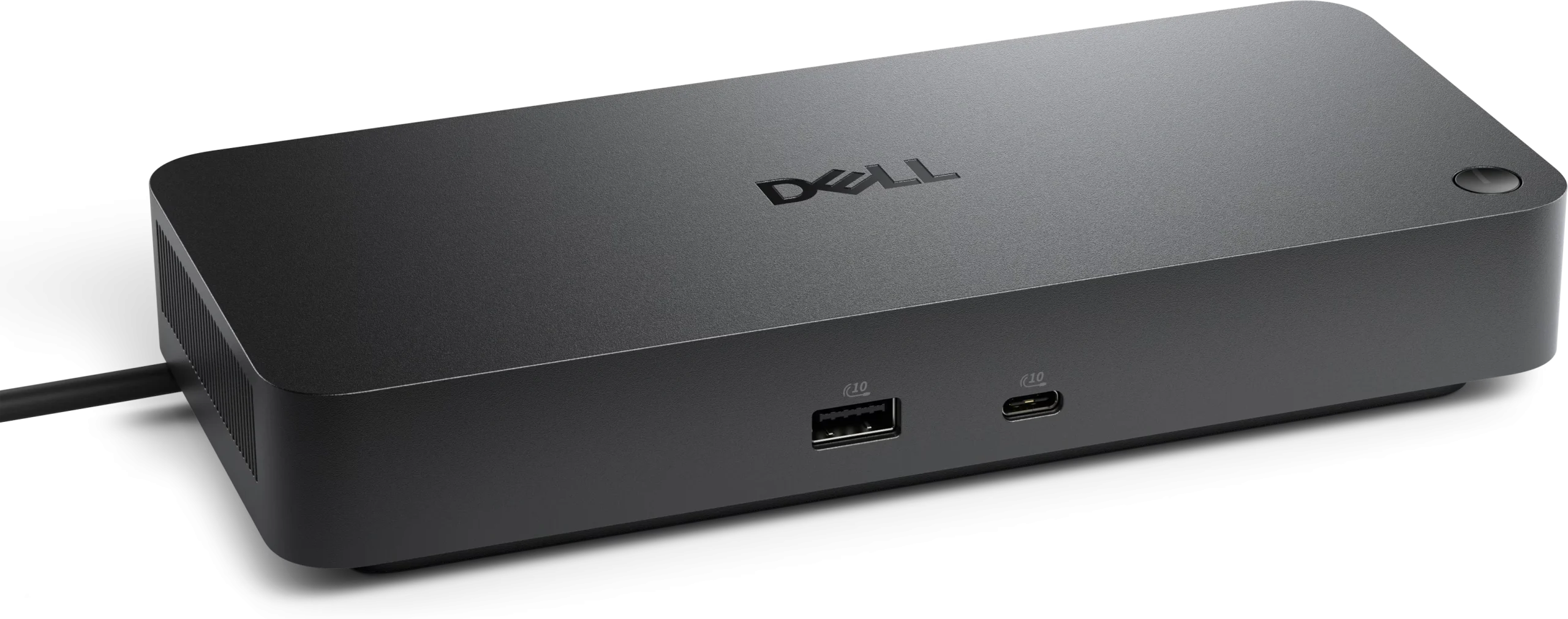
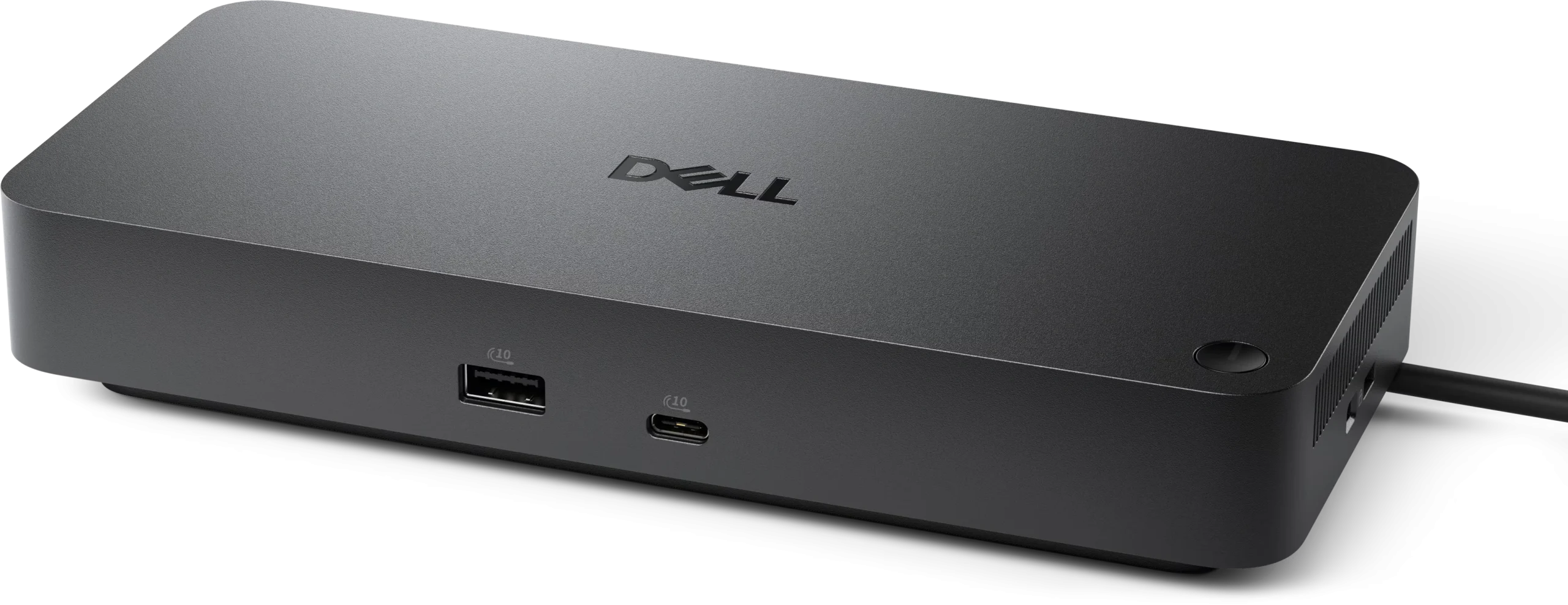
The Dell Pro Dock WD25Z is a versatile docking station designed to enhance productivity and connectivity for users of laptops and other devices. This docking station supports a wide range of Dell laptops and is particularly beneficial for professionals who require multiple connections for peripherals and displays. With its sleek design, the WD25Z not only complements modern workspaces but also provides a practical solution for managing cables and reducing clutter.
Equipped with various ports, the WD25Z allows users to connect multiple devices simultaneously. It features USB-C and USB-A ports, HDMI and DisplayPort outputs, as well as an Ethernet port, enabling seamless connections to monitors, external storage, and network resources. This extensive range of connectivity options ensures that users can easily integrate their existing devices and peripherals, making it an ideal choice for both home offices and corporate environments.
Dell Docks Features
Fuel your AI productivity : Create a highly compatible, single-cable workspace with a dock that features six USB ports, supports up to four displays, and delivers up to 130W of power to the latest Dell AI PCs, ensuring optimal productivity.
Accelerate manageability
- Easily keep your dock updated, ensuring uninterrupted productivity.
- Improved manageability : Manage your dock from the Dell Device Management Console by utilizing Dell Display and Peripheral Manager, and Dell Device Management Agent installed on your PC.
- Simplify firmware updates : Reduce IT complexity by deploying a single firmware file across workspaces. Minimize end-user disruption with silent firmware updates that are executed upon dock disconnection.
- Work with confidence : Enhance your docking experience with universally compatible features including MAC Address Pass-Through and Power Button Sync[1], for a better docking experience across brands.
Connect your way : Configure your workspace to your liking with an ambidextrous USB-C cable that can be routed left or right.
Designed for sustainability
- The new generation of Docking Stations reflect a commitment to sustainable design innovation to reduce environmental impact.
- The WD25Z is built with sustainable materials and packaged with at least 65% post-recycled content (PCR) plastic and 100% recycled or renewable packaging .
Dell Pro Dock WD25Z Specs
- Connectivity Technology : Wired
- Cable Length : 2.95 ft
- Number of Displays Supported : 4
- Maximum Data Transfer Rate : 1.25 GB/s
- Ethernet Technology : 2.5 Gigabit Ethernet
- Host Interface : USB Type C
- Total Number of USB Ports : 6
- USB Type-A : Yes
- Number of USB 3.2 Gen 2 Type-A Ports : 4
- Dell Pro Dock WD25Z Number of USB 3.2 Gen 2 Type-C Ports : 1
- Number of USB Type-A Ports : 4
- USB Type-C : Yes
- USB Type-C Detail : 1 x USB-C 3.2 Gen 2 (10 Gbps), (15W), 1 x USB-C Multi-function DisplayPort (7.5W)
- Number of USB Type-C Ports : 2
- Network (RJ-45) : Yes
- DisplayPort : Yes
- Number of DisplayPorts : 2
- DisplayPort Version : 1.4
- HDMI : Yes
- Number of HDMI Ports : 1
- Dell Pro Dock WD25Z HDMI Version : 2.1
- Maximum Power Supply Wattage : 180 W
- Power Source Type : Power Adapter
- Height : 1.39″
- Width : 8.07″
- Depth : 3.54″
- Weight (Approximate) : 1.21 lb
- Dell Pro Dock WD25Z Kensington Security Slot : Yes
Request for Quotation Now!
Device Supported
- Notebook
- Desktop PC
Management Features
- MAC Address Pass-through
- PXE Boot
- Dock Power Button Sync
- Wake-on-LAN
- WLAN to LAN Switch
- Kernel Direct Memory Access (DMA) Protection
- Dell Command Update (DCU)
- Port Disablement
- Host PC based firmware update
- Firmware update on disconnect
Dell Pro Dock WD25Z Screen Mode Supported
- FHD 60Hz
- QHD 60Hz
- 4K 60Hz
- WQHD 60Hz
- 5K 60Hz
- 6K 60Hz
- SXGA 60Hz
Supported Resolutions
- 1280 x 1024
- 1920 x 1080
- 2560 x 1440
- 3840 x 2160
- 3440 x 1440
- 5120 x 2160
- 6144 x 3456
Dell Pro Dock WD25Z Security Slot Type
- Kensington Security Slot
- Noble Wedge Security Slot
Power Delivery Details
- 4 x USB-A 3.2 Gen 2 (4.5W each)
- 1 x USB-C 3.2 Gen 2 (15W)
- 1 x USB-C Multi-function DisplayPort (7.5W)
- All deliver power with or without PC
CONTACT US NOW!
Power Delivery
- 130W (Dell Systems)
- 96W (non-Dell Systems)
Video Resolution Details
- SXGA – 60 Hz (Quad Display)
- FHD – 60 Hz (Triple Display)
- QHD – 60 Hz (Dual Display)
- 4K – 60 Hz (Single Display)
- WQHD – 60 Hz (Quad Display)
- WQHD – 60 Hz (Triple Display)
- 5K – 60 Hz (Dual Display)
- 6K – 60 Hz (Single Display)
Dell Pro Dock WD25Z Video interfaces
- 2 x DP1.4
- 1 x HDMI 2.1
- 1 x USB-C 3.2 Gen 2 Multi-function DisplayPort 1.4
USB Ports (Data Only)
- 4 x USB-A 3.2 Gen 2 (10 Gbps)
- 1 x USB-C 3.2 Gen 2 (10 Gbps)


