


Description
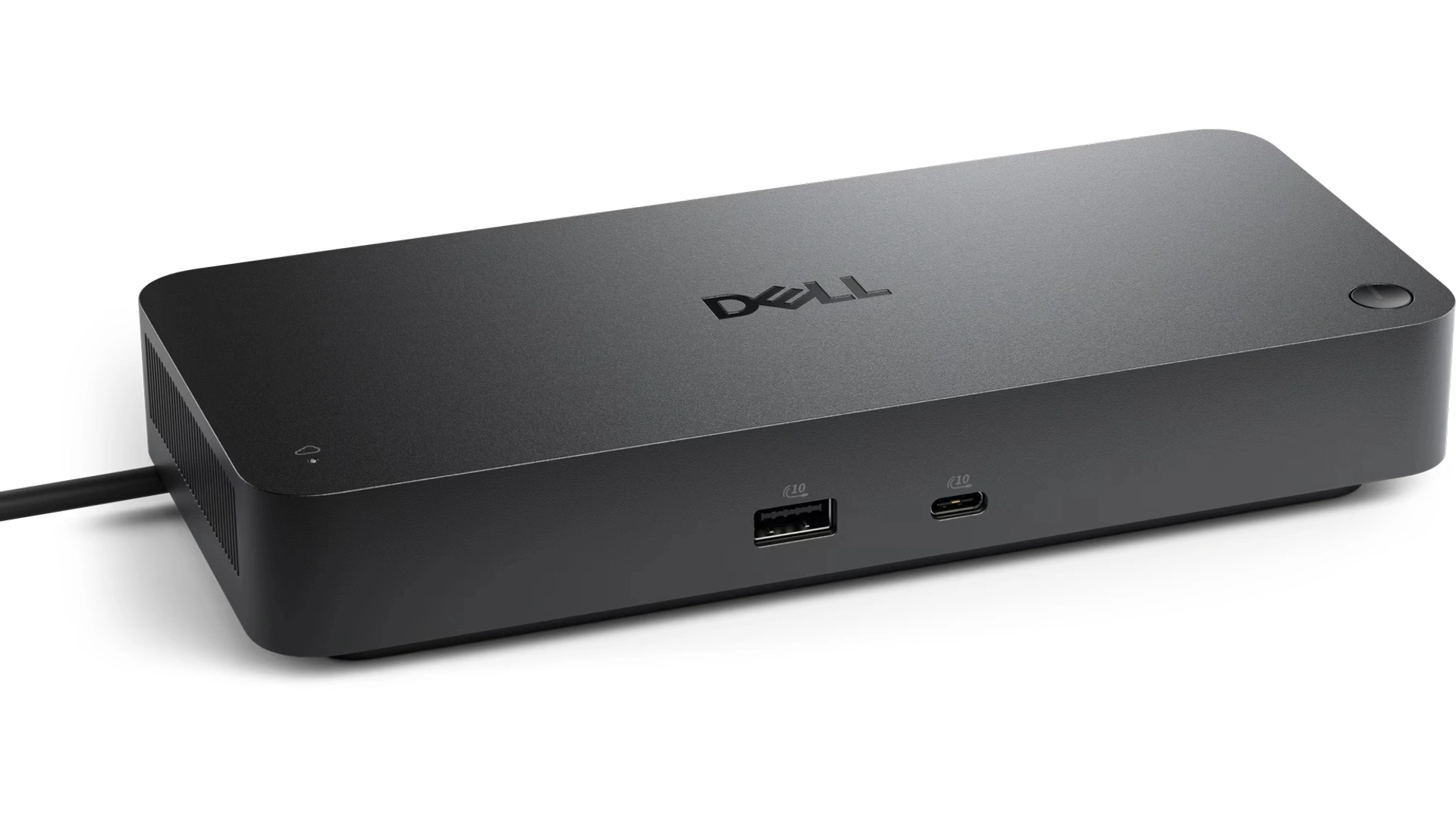
The Dell Pro Smart Dock Laptop USB-C Docking Station SD25 is a versatile and efficient solution designed to enhance productivity for users of modern laptops. These Docking Stations features a sleek and compact design, making it an ideal addition to any workspace, whether at home or in a professional environment. With its USB-C connectivity, the SD25 allows for seamless integration with a wide range of devices, providing a single connection point for power, data transfer, and video output. This functionality is particularly beneficial for users who require multiple peripherals, as it simplifies the process of connecting and disconnecting devices.
Dell Docking Stations Features
A smarter workspace
Gain the versatility to create your ideal workspace and boost your AI PC productivity with support for up to 4 displays, up to 130W power delivery, and multiple ports to connect all your peripherals.
Most manageable
Elevate the IT management experience with no software or PC connection required, allowing you to remotely manage all your Dell Pro Smart Docks.
- Most manageable
Remotely manage your smart docks without end-user presence from the Dell Device Management Console – the industry’s first holistic peripheral management solution that configures, deploys, and updates smart docks over Wi-Fi.
Work securely
- Keep users working confidently with enterprise-grade WPA-3 192-bit encryption for secure Wi-Fi communication.
- Safeguard your sensitive data with tamper-resistant, hardware-based encryption built into your Dell Pro Smart Dock.
Effortless maintenance : Reduce IT efforts by scheduling updates during off-hours, while ensuring fleetwide firmware compliance and eliminating end user interruptions.
Connect your way : Configure your workspace to your liking with an ambidextrous USB-C cable that can be routed left or right.
Designed for sustainability : The Dell Pro Smart Dock is built with at least 65% post-consumer recycled materials and packaged with 100% recycled or renewable packaging.
Dell Pro Smart Dock Specs
- Connectivity Technology : Wired
- Number of Displays Supported : 4
- Device Supported : Notebook
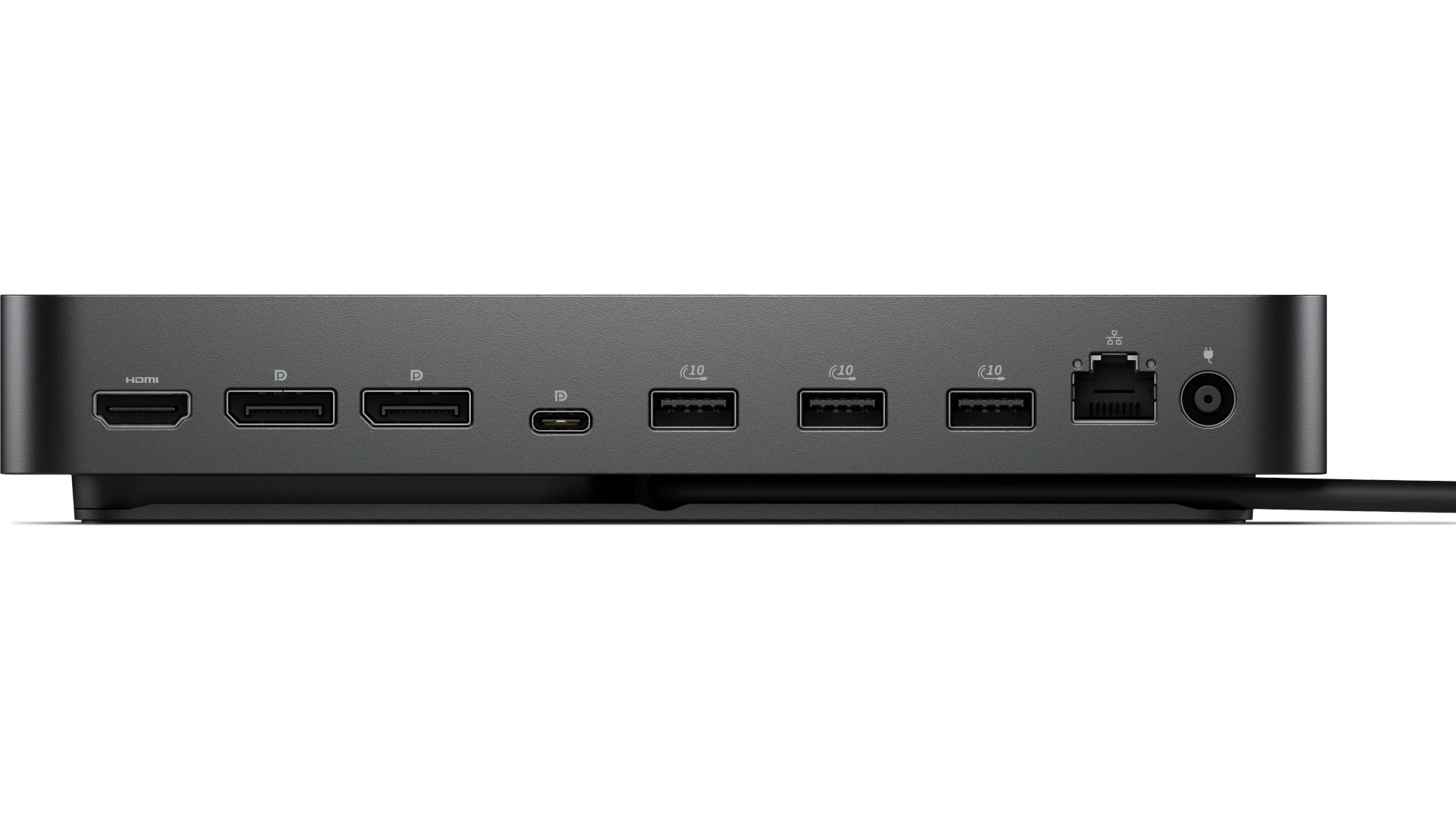
- Ethernet Technology : RJ45 Ethernet port, 2.5GbE
- Maximum Power Supply Wattage : 180W
- Height : 8.07″
- Width : 3.54″
- Depth : 1.39″
- Weight (Approximate) : 1.24 lb
- Kensington Security Slot : Yes
Request for Quotation Now!
Other Specs for SD25
Host PC Management
- MAC address pass-through
- PXE Boot
- Dock Power Button Sync
- Wake-On-LAN
- WLAN to LAN switch
- Kernel Direct Memory Access (DMA) protection
Dock Management Features
- Remote firmware updates without a PC
- Host PC based firmware updates
- Firmware update on disconnect
- Port Disablement independent of PC
CONTACT US NOW!
DP1.4 with Display Stream Compression
- 4 x WQHD (3440 x 1440) 60Hz
- 3 x WQHD (3440 x 1440) 60Hz
- 2 x 5K (5120 x 2160) 0Hz
- 1 x 6K (6144 x 3456) 60Hz
DP1.4 without Display Stream Compression
Up to:
- 4 x HD (1280×720) 60Hz
- 3 x FHD (1920×1080) 60Hz
- 2 x QHD (2560×1440) 60Hz
- 1 x 4K (3840 x 2160) 60Hz
Video interfaces
- 2 x DP1.4
- 1 x HDMI 2.1
- 1 x USB-C 3.2 Gen 2 Multi-function DisplayPort 1.4
Laptop USB-C Docking Station USB Ports (Data Only)
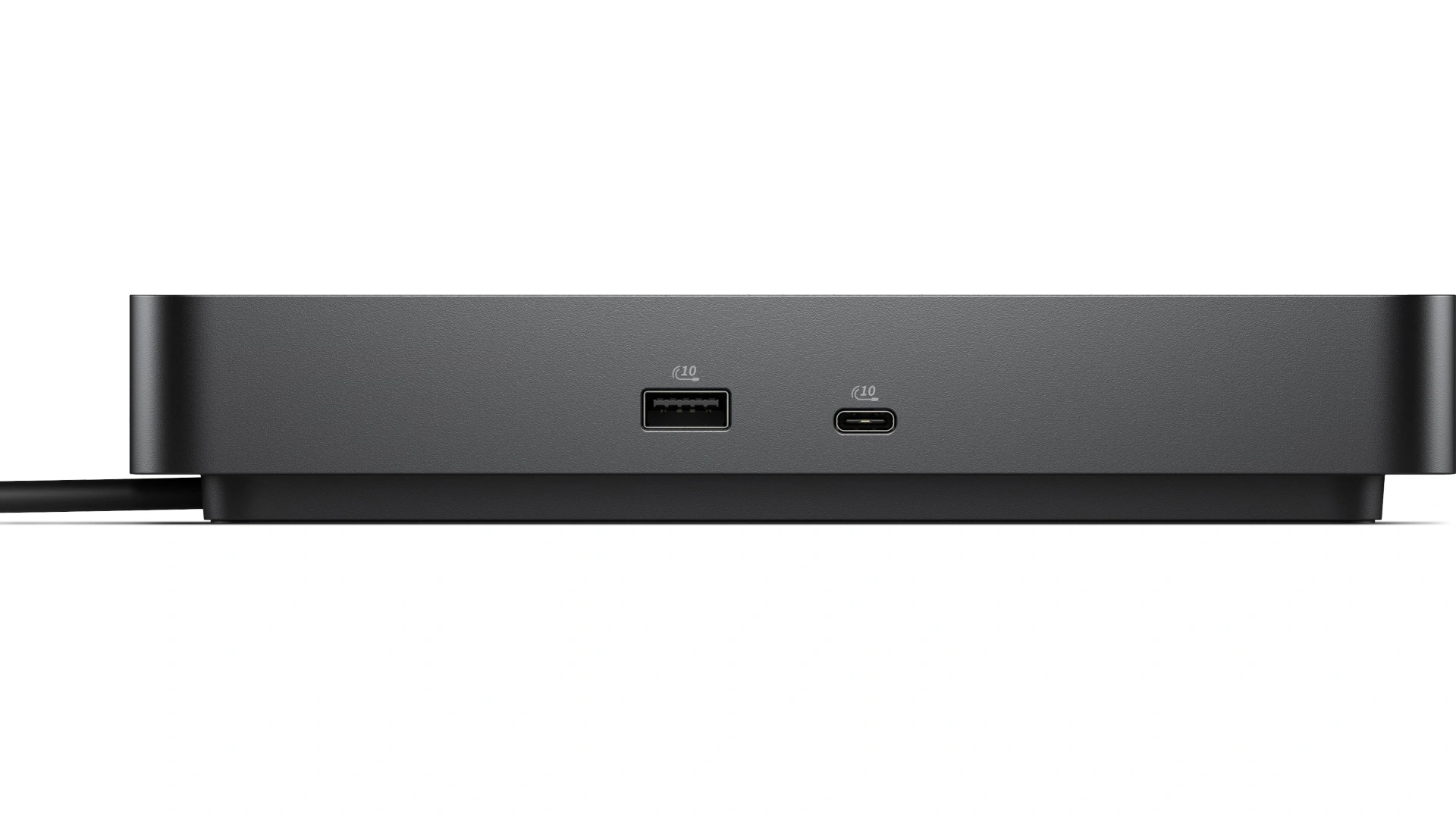
- 4 x USB-A 3.2 Gen 2 (10 Gbps)
- 1 x USB-C 3.2 Gen 2 (10 Gbps)
USB Ports (Power)
- 4 x USB-A 3.2 Gen 2 (4.5W each)
- 1 x USB-C 3.2 Gen 2 (15W)
- 1 x USB-C Multi-function DisplayPort (7.5W)
All deliver power with or without PC
- USB Power Delivery
- 130W (Dell systems)
- 96W (non-Dell systems)
Operating System Supported
- Windows 10
- Windows 11
- Ubuntu
- Red Hat Enterprise Linux
- ChromeOS
- macOS
You can shop our Dell Docking Stations
- Dell Docking Station – USB 3 D3100
- Dell Thunderbolt Dock WD19TBS
- Dell Universal Dock – D6000/D6000S
- Dell Business Thunderbolt 3 Dock 3GMVT TB16
- Dell Pro Thunderbolt 4 Dock SD25TB4
- Dell Pro Dock Station WD25
- Dell Pro Dock WD25Z
- Dell Pro Thunderbolt 5 Dock WD25TB5
- Dell Pro Thunderbolt 4 Dock WD25TB4


