


Description
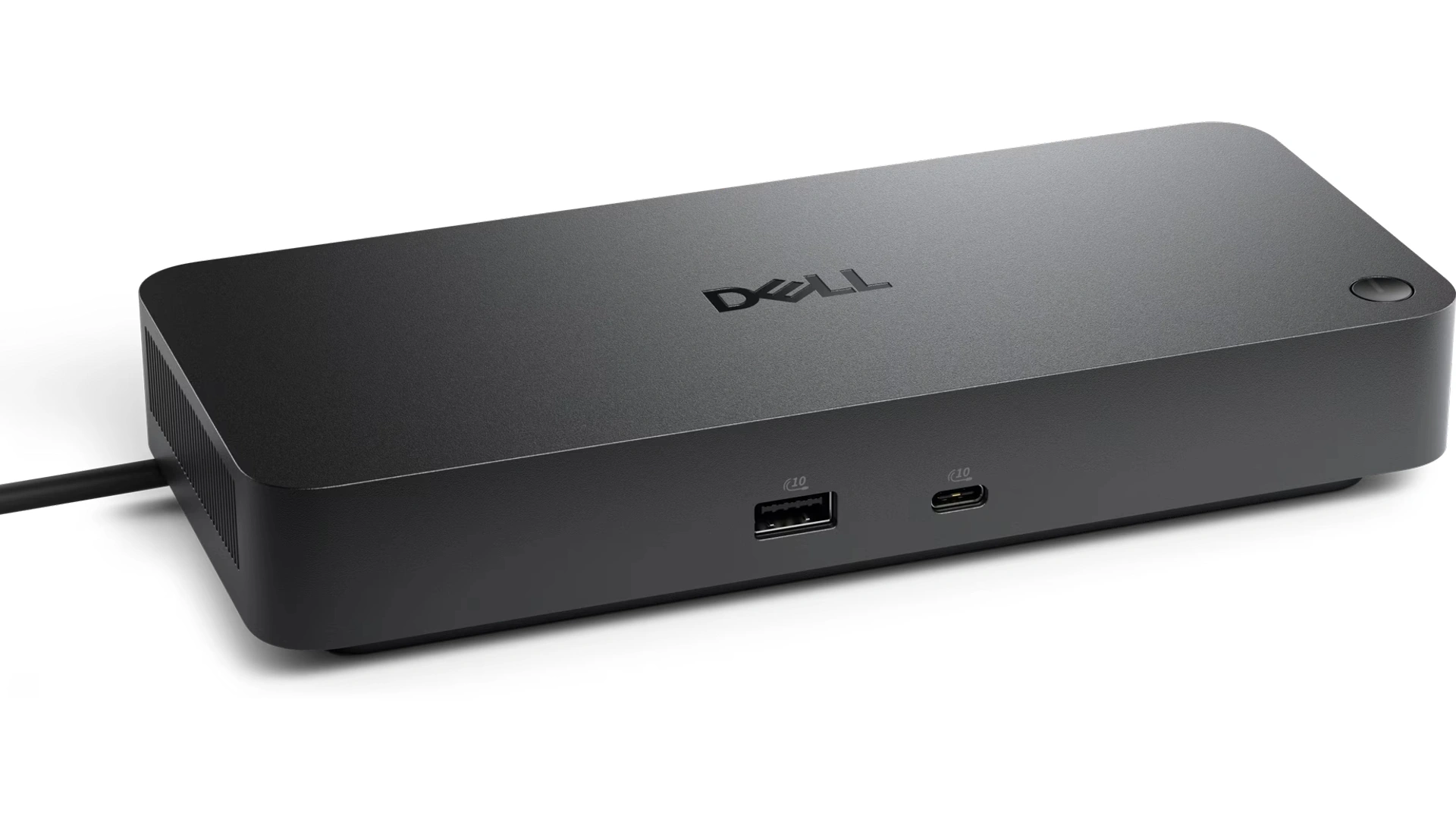
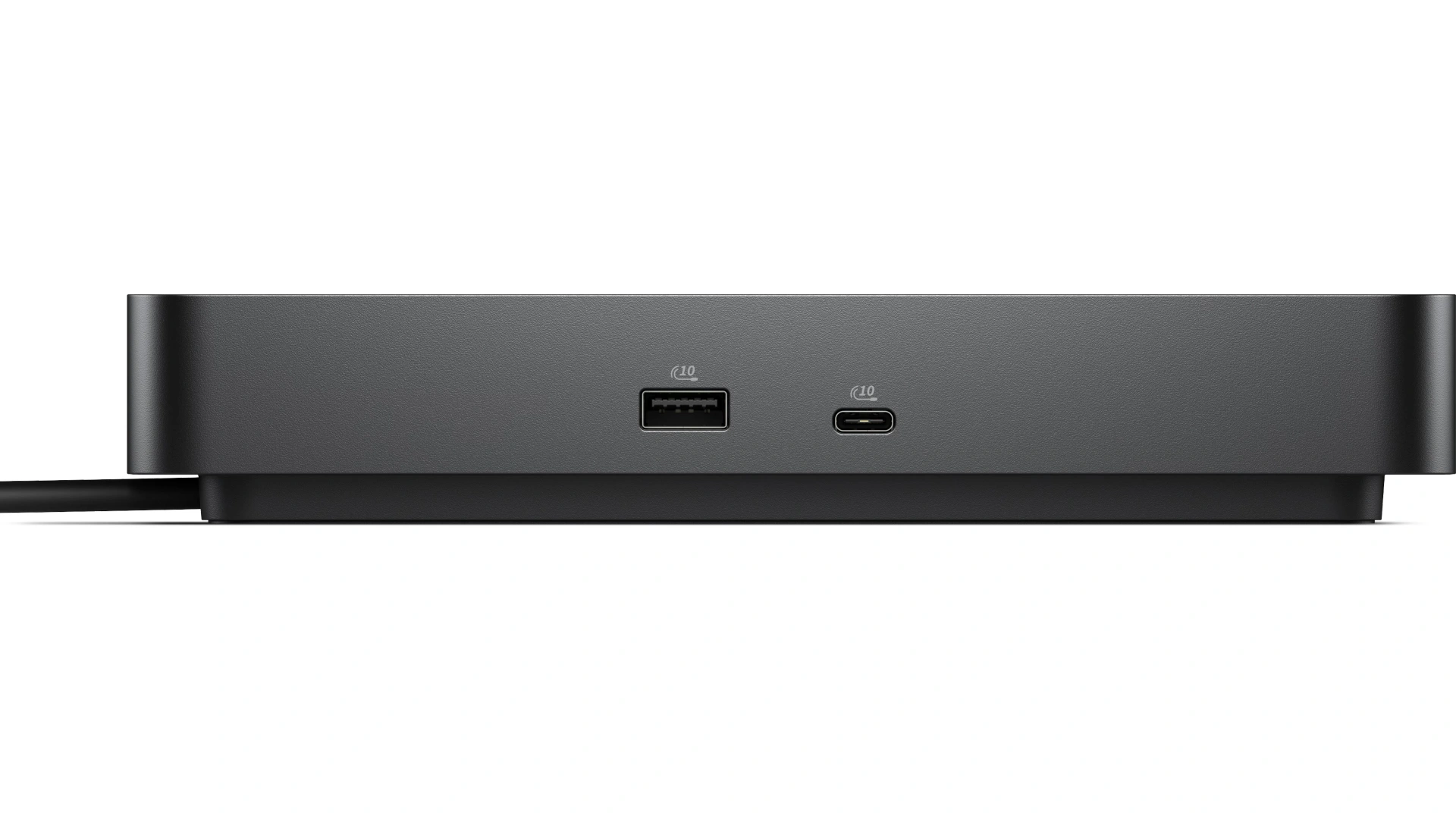
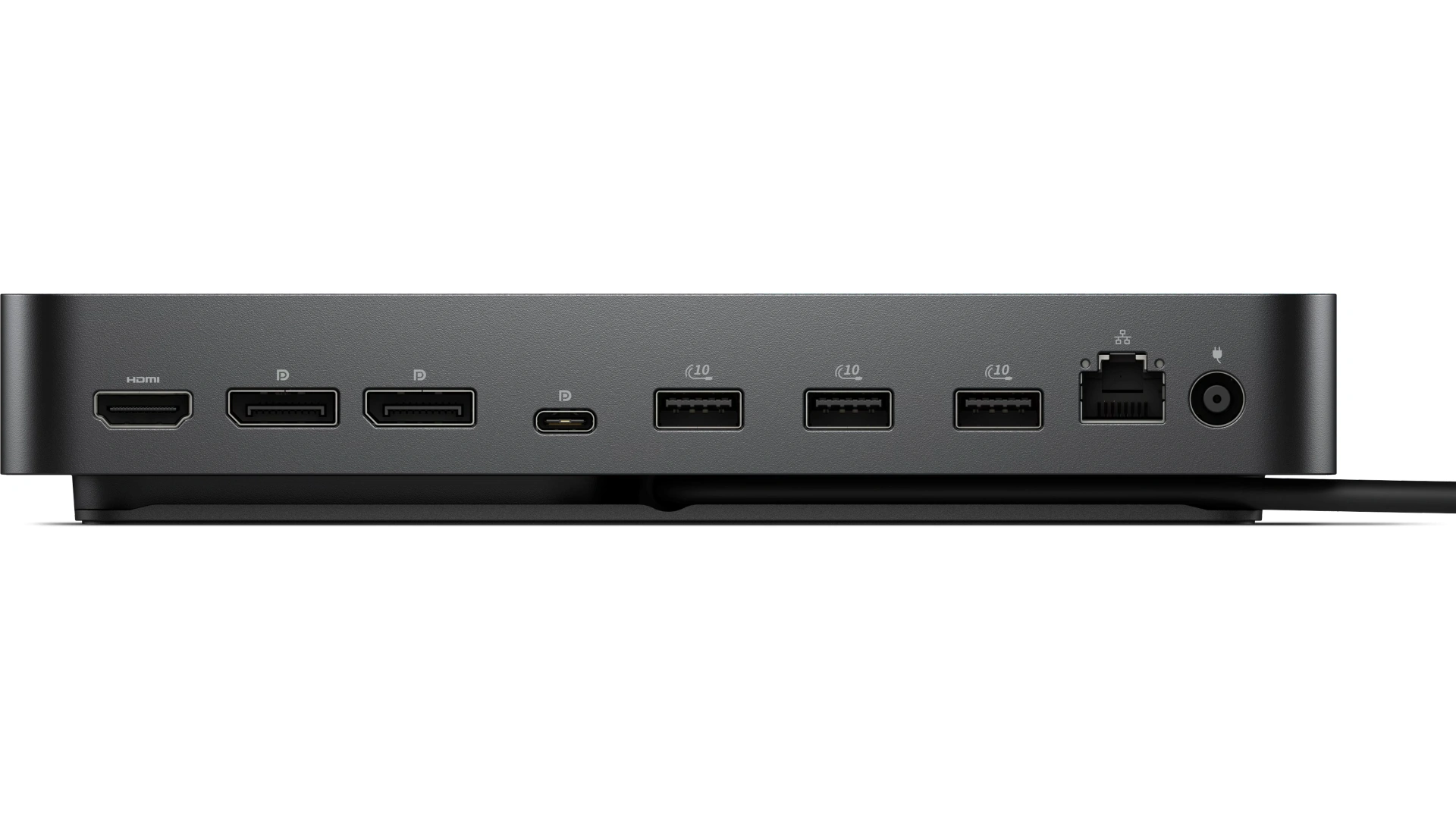
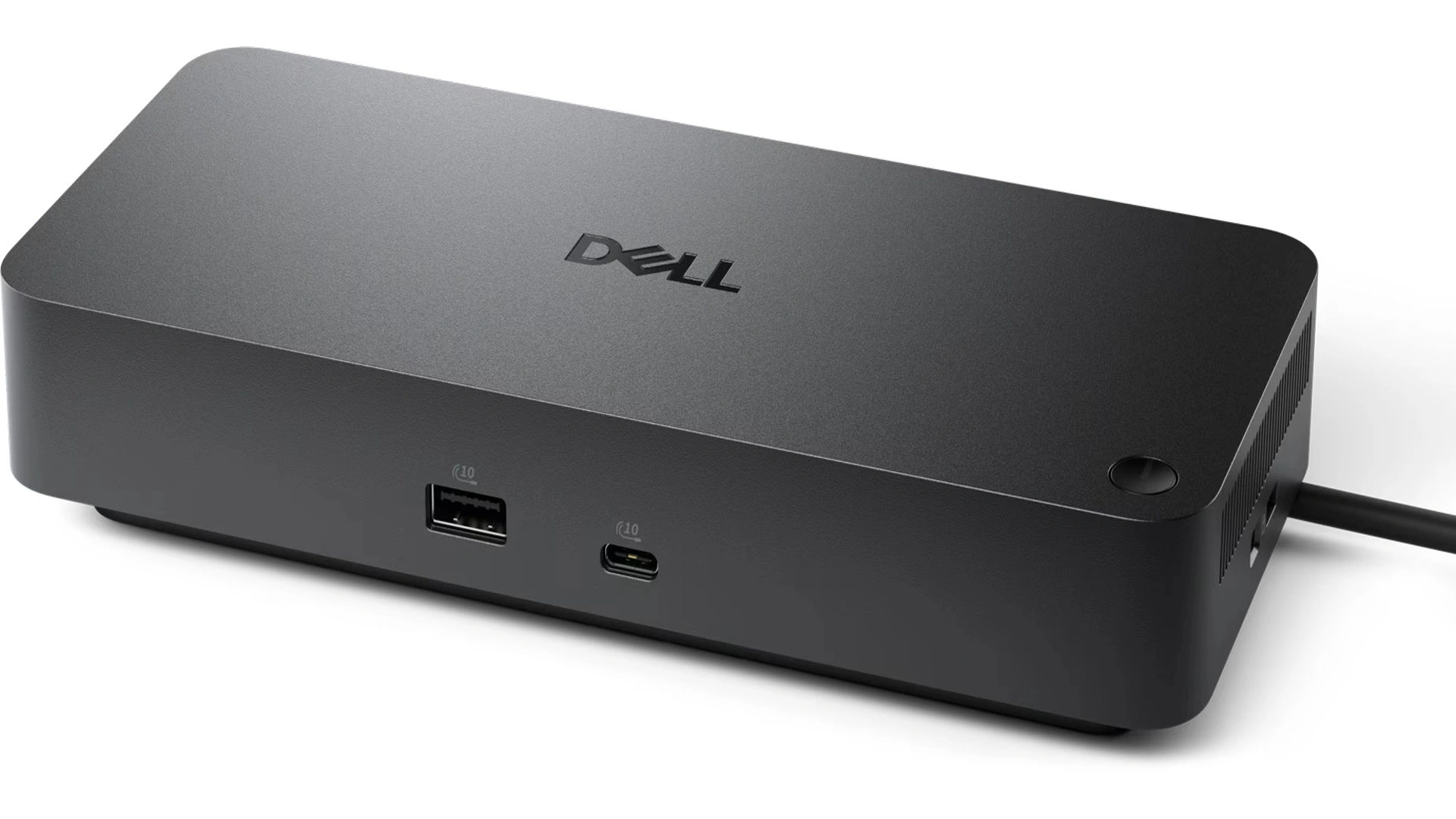
The Dell Pro Dock Station Laptop USB-C Docking Station WD25 is a versatile and efficient solution designed to enhance productivity for users of Dell laptops and other compatible devices. This Docking Stations features a USB-C connection, which allows for rapid data transfer and charging capabilities, making it an ideal accessory for professionals who require seamless connectivity. With multiple ports, including HDMI, DisplayPort, and USB-A, the WD25 enables users to connect various peripherals such as monitors, keyboards, and external storage devices, thereby creating a comprehensive workstation setup.
Dell Docking Stations Features
Fuel your productivity
Gain the versatility to create your ideal workspace with a dock featuring 6 USB ports, support for 4 displays and driving up to 100W of power delivery to the latest Dell AI PCs for optimal productivity.
More manageable
Keep your dock up to date and work without interruption.
- Improved manageability : Manage your dock from the Dell Device Management Console by utilizing Dell Display and Peripheral Manager installed on your PC.
- Simplify firmware updates : Reduce IT complexity by deploying a single firmware file across workspaces. Minimize end-user disruption with silent firmware updates that
- Work with confidence : Enhance your docking experience with universally compatible features including MAC Address Pass-Through and Power Button Sync, for a better docking experience across brands.
Connect your way
Configure your workspace to your liking with an ambidextrous USB-C cable that can be routed left or right.
Designed for sustainability
The Dell Pro Dock is built with at least 65% post-consumer recycled materials and packaged with 100% recycled or renewable packaging, and offering up to 72% power consumption reduction on standby mode.
Dell Pro Dock Station Specs
- Connectivity Technology : Wired
- Number of Displays Supported : 4
- Device Supported : Notebook
- Ethernet Technology : RJ45 Ethernet port, 2.5GbE
- Maximum Power Supply Wattage : 130W
- Height : 8.07″
- Width : 3.54″
- Depth : 1.39″
- Weight (Approximate) : 1.21 lb
- Kensington Security Slot : Yes
Request for Quotation Now!
Other Specs for Laptop USB-C Docking Station
Management Features
- MAC address pass-through
- PXE Boot
- Dock Power Button Sync
- Wake-On-LAN
- WLAN to LAN switch
- Kernel Direct Memory Access (DMA) protection
Dock Management Features
- Host PC based firmware update
- Firmware update on disconnect
- Port Disablement
DP1.4 with Display Stream Compression
- 4 x WQHD (3440 x 1440) 60Hz
- 3 x WQHD (3440 x 1440) 60Hz
- 2 x 5K (5120 x 2160) 60Hz
- 1 x 6K (6144 x 3456) 60Hz
CONTACT US NOW!
WD25 DP1.4 without Display Stream Compression
Up to:
- 4 x HD (1280×720)60Hz
- 3 x FHD (1920×1080) 60Hz
- 2 x QHD (2560×1440) 60Hz
- 1 x 4K (3840 x 2160) 60Hz
Video interfaces
- 2 x DP1.4
- 1 x HDMI 2.1
- 1 x USB-C 3.2 Gen 2 Multi-function DisplayPort 1.4
USB Ports (Data Only)
- 4 x USB-A 3.2 Gen 2 (10 Gbps)
- 1 x USB-C 3.2 Gen 2 (10 Gbps)
USB Power Delivery
- 100W (Dell systems)
- 96W (non-Dell systems)
USB Ports (Power)
- 4 x USB-A 3.2 Gen 2 (4.5W each)
- 1 x USB-C 3.2 Gen 2 (15W)
- 1 x USB-C Multi-function DisplayPort (7.5W)
- All deliver power with or without PC
Operating System Supported
- Windows 10
- Windows 11
- Ubuntu
- Red Hat Enterprise Linux
- ChromeOS
- macOS


